01A map of your
A map of your
digital life.
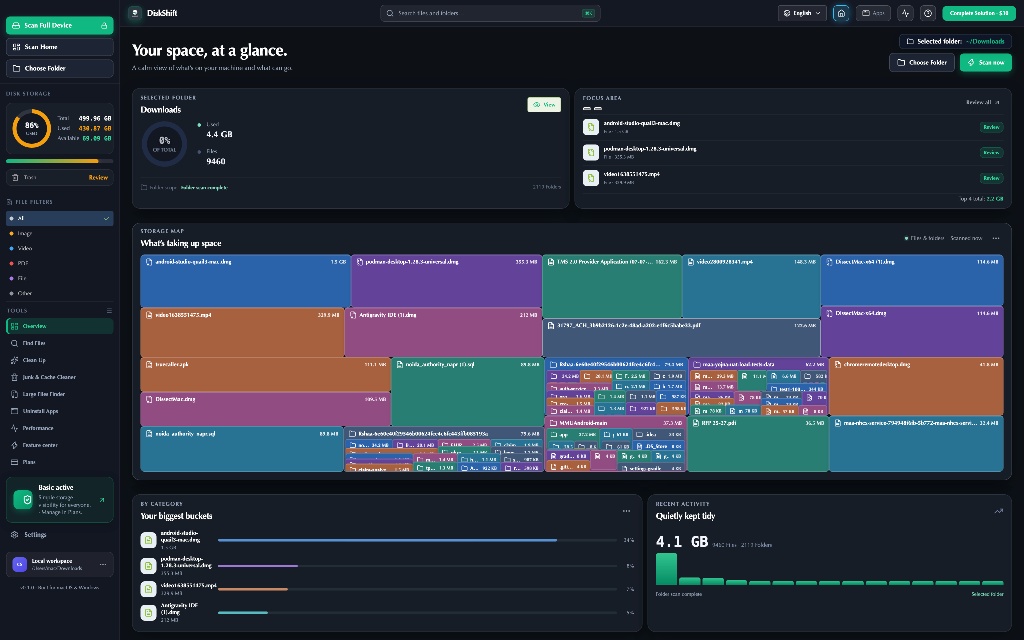
See your entire drive in one beautiful, interactive view. Big blocks mean big files—no guessing, no hunting through nested folders.
Explore your space ↗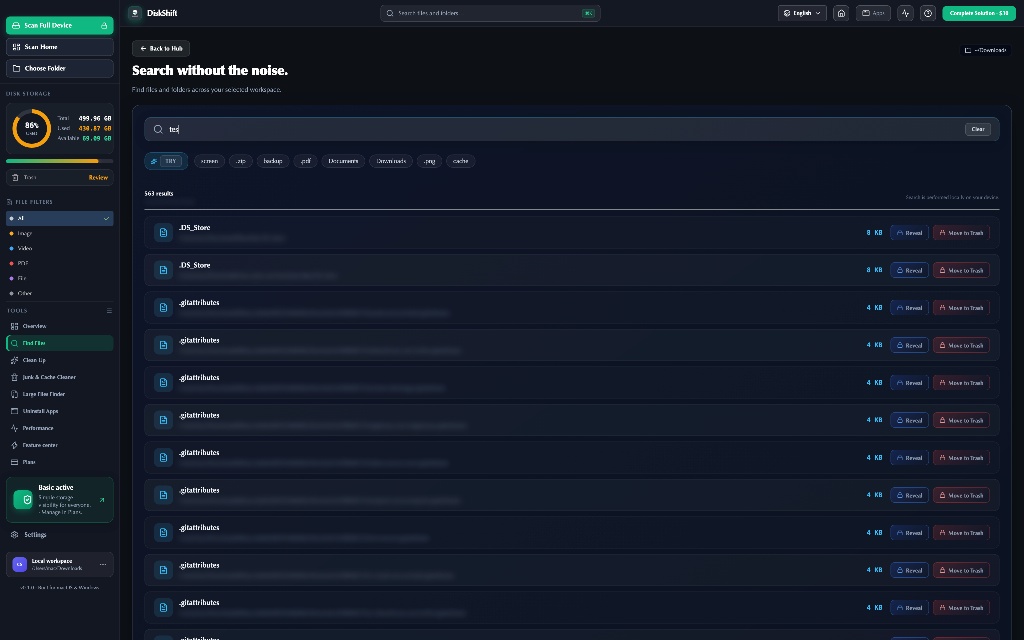
 DiskShift
DiskShift is a privacy-first desktop application for macOS and Windows that helps users visualize disk usage, find large files, locate duplicates, and free up storage space.
Not another scary “clean your Mac” button. DiskShift gives you context first, control second, and a safe path to a lighter machine.
See your entire drive in one beautiful, interactive view. Big blocks mean big files—no guessing, no hunting through nested folders.
Explore your space ↗Search across your workspace by name, type, or extension. Your files stay on your device while you find them in seconds.
Search smarter ↗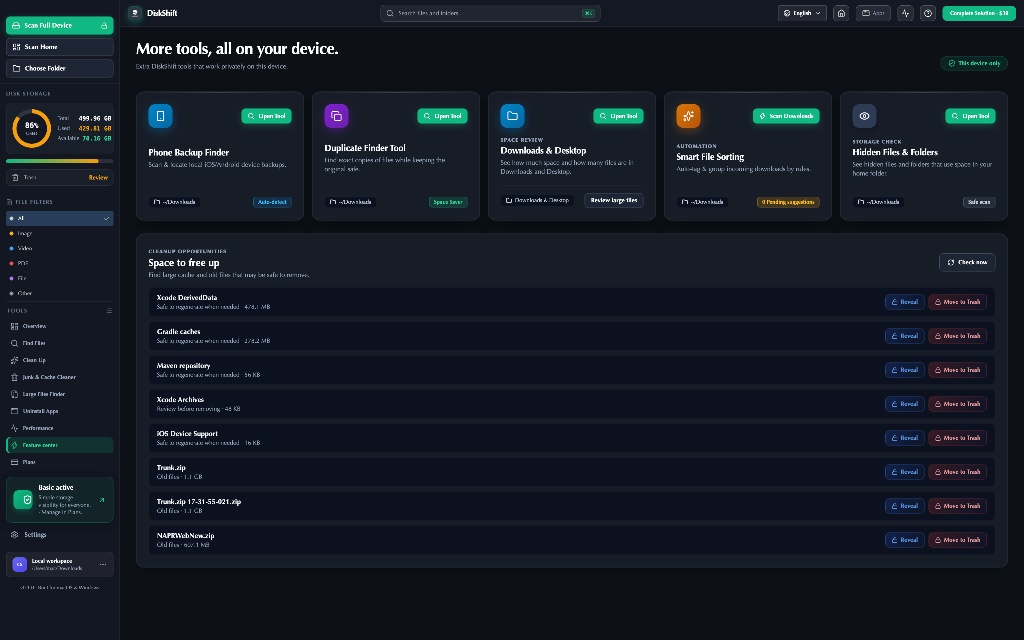
Review every suggestion before it goes anywhere. Selected items move to your system Trash—so you stay in control.
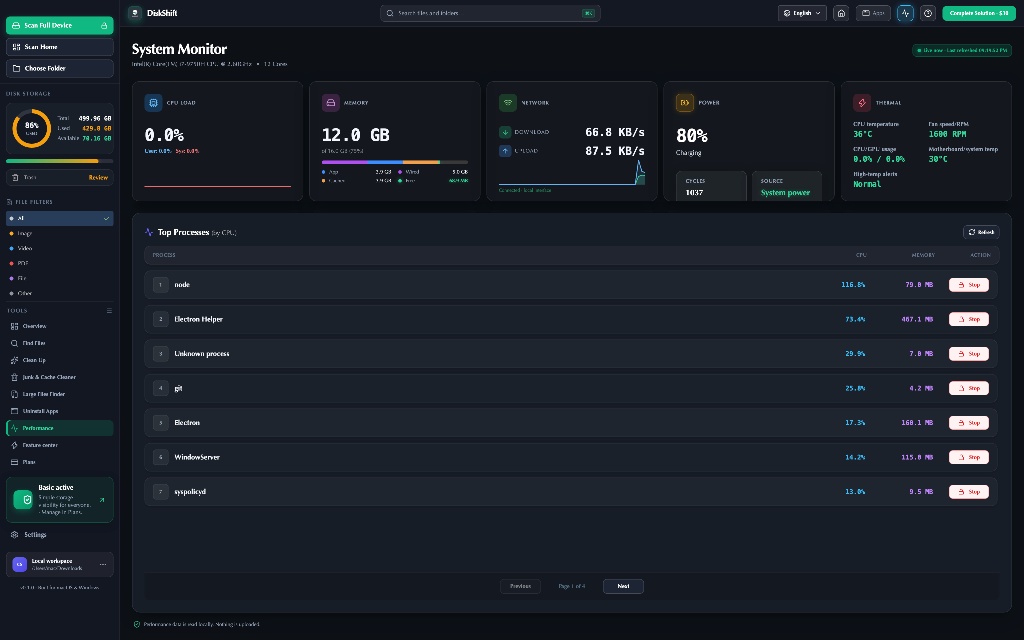
CPU, memory, battery and disk health in one lightweight view—built for your real-time context.
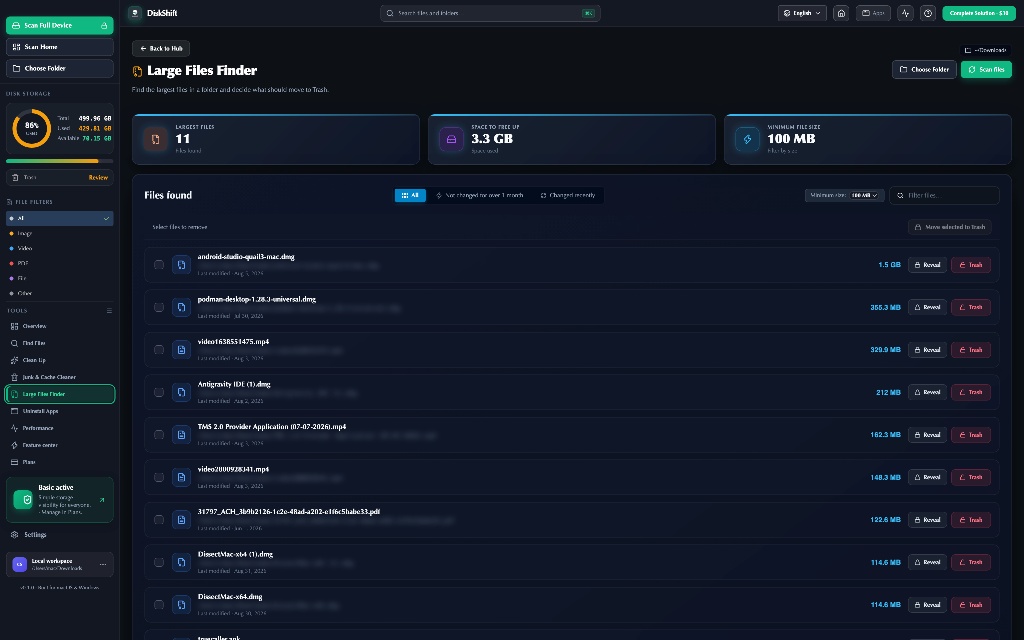
Remove apps, review leftovers, and locate huge files from one safe, focused flow.
Group large files, archives, screenshots and developer folders so your next cleanup starts with context.
DiskShift does the hard work quietly, then puts you in the driver’s seat.
Install the lightweight app for Mac or Windows.
Choose a drive, folder, or workspace to map.
Spot what’s taking room at a glance.
Review and move unwanted files to Trash.
DiskShift analyzes metadata locally. File names, folder structures and scan results never leave your computer. No account required, no cloud dashboard, no hidden sync.
Read our privacy promise ↗Basic tools to understand what is taking up space.
Full feature access for every seat. $5 for 6-month rental.
Every powerful cleanup and control tool in one simple payment.
Yes. DiskShift shows you what it found before anything changes. Cleanup actions require an explicit confirmation and move selected items to your operating system’s Trash.
No. Scanning and search run locally. DiskShift does not upload file contents, names, folder structures, or scan results.
The desktop app is designed for macOS 11+ and modern Windows versions, with native packaging for Apple Silicon, Intel Mac and Windows.
Complete Solution is a one-time $30 license. People is rented access for $5 for 6 months. The Basic plan remains free for storage visualization and local search.
You can request a return or refund within 3 days of purchase. Contact support with your order details to start the request.
No. After activation, each license key is bound to one device and cannot be reused on another system.
See it clearly with DiskShift.
Free to download · No account required · Local-first by designPick the build that matches your Mac.
Both downloads are free. Choose Silicon for M1/M2/M3/M4 Macs and Intel for older Macs.
Share the details and our support team will get back to you.
Your DiskShift license is ready for activation.
🔒 Copy this key and paste it inside DiskShift under Plans → Activate Key. Keep it private.